




Everything is seamless from boarding to receiving your receipt!
You cannot use the ticketless service in the following cases:
You cannot use this service.
- If you haven’t completed credit card payment in advance through Funet Reservations.
- If you’re using a discount that requires verification at the counter at the time of booking.
- If you’re bringing a vehicle on board and haven’t registered your vehicle inspection certificate in advance.
Start by registering as a “Funet Member”!
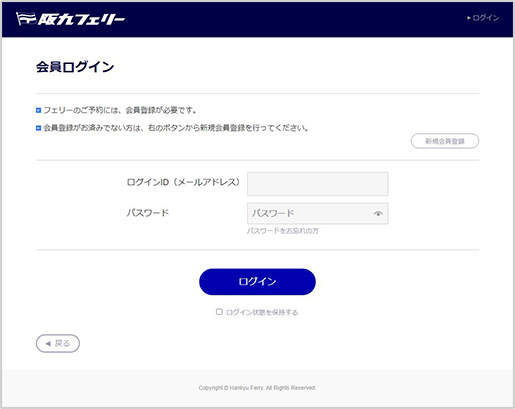
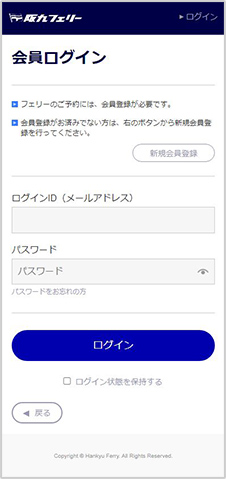
*If you are already a member,log in to the Funet member page.

Log in to the Funet member page
If you are not using a vehicle

please proceed to make a boarding reservation.
If you are bringing a vehicle on board
you need to register your vehicle inspection certificate in your My Page.
(Registration can also be done after booking) Please check the details of the pre-registration below.
From reservation to boarding
- Boarding reservation with credit card payment
 Select your desired boarding date, route, and room from Funet Reservations. Choose a discount that does not require verification at the counter (*) and reserve with a credit card.
*Internet reservations,
return discount,
no discount utilized - Obtain QR code
 Obtain the QR code from your Funet member My Page. You can get the QR code from the My Page screen starting three days before your boarding date.
*You will simultaneously obtain QR codes for your fellow passengers. - Board without going to the counter
 At the boarding gate, have the QR code displayed on your mobile phone scanned to board.
*If you are bringing a vehicle on board, you do not need to get out of the car. - Enter your cabin
 You can unlock using the QR code you used when boarding.
After arrival, you can disembark directly.
You do not need to scan your QR code.

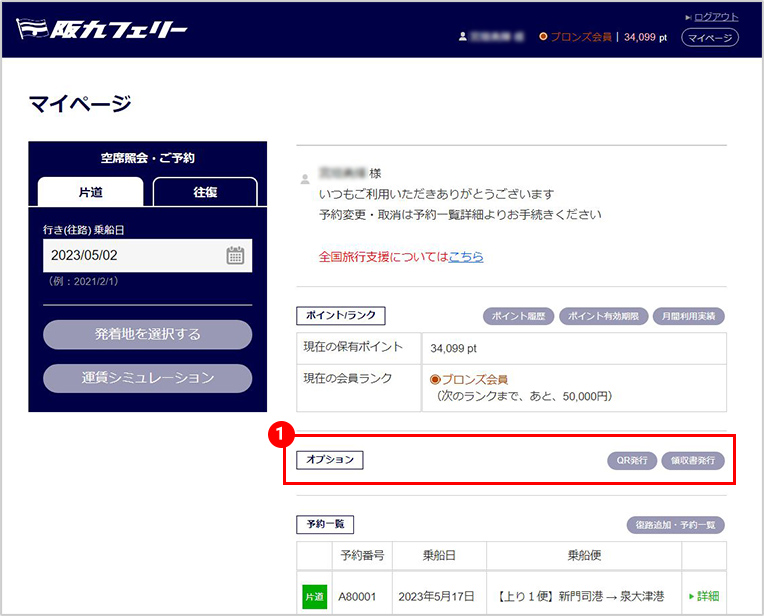
From the options section on the My Page TOP screen, click the QR issuance button
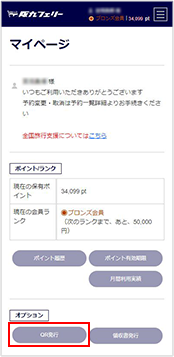
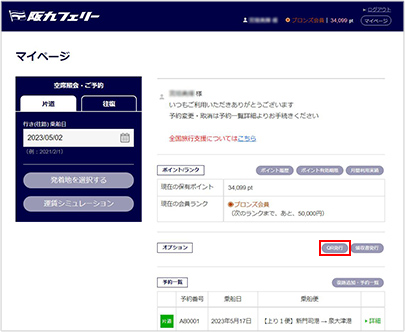
*Available starting three days before your boarding date
For electronic receipt holders
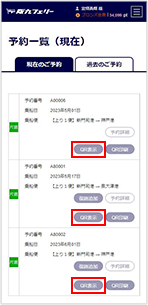
Tap “Display” for the service you will be using
For printed receipt holders
Click “Print” for the service you will be using
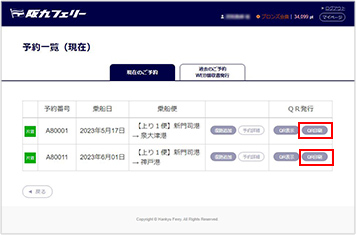

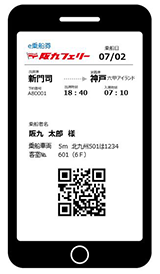
When boarding, please present the image displayed on your My Page or a screenshot to the staff.
*We recommend saving the image as a screenshot or similar.
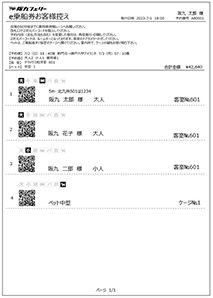
Please print the displayed screen in advance and bring it with you. Show it to the staff when boarding.

 Is it possible for passengers and vehicles to board at different times using ticketless boarding?

Yes, it is possible!
If the representative shares a screenshot of the QR code or a printed Web boarding ticket with the fellow passengers, ticketless boarding will be possible.If using multiple cabins, where should the cabin keys be issued?
The representative should share a screenshot of the QR code with the fellow passengers or use the onboard self-service kiosk to issue a paper QR code key, which can then be used.
*The self-service kiosk onboard is available only for Funet members.What happens if I make a reservation outside of Funet Reservations?
The ticketless service is “limited to Funet members.” If you made a phone reservation, used a travel agency, made a group reservation, or a truck reservation, please make sure to check in at the counter.

If you are using ticketless boarding, from the arrival time of the service you boarded,
you can view and print your receipt on My Page.
It can be issued until 23:59 one year after boarding.
Funet Member Page TOP Screen
①Click the receipt issuance button. You will be redirected to the past reservation list screen.
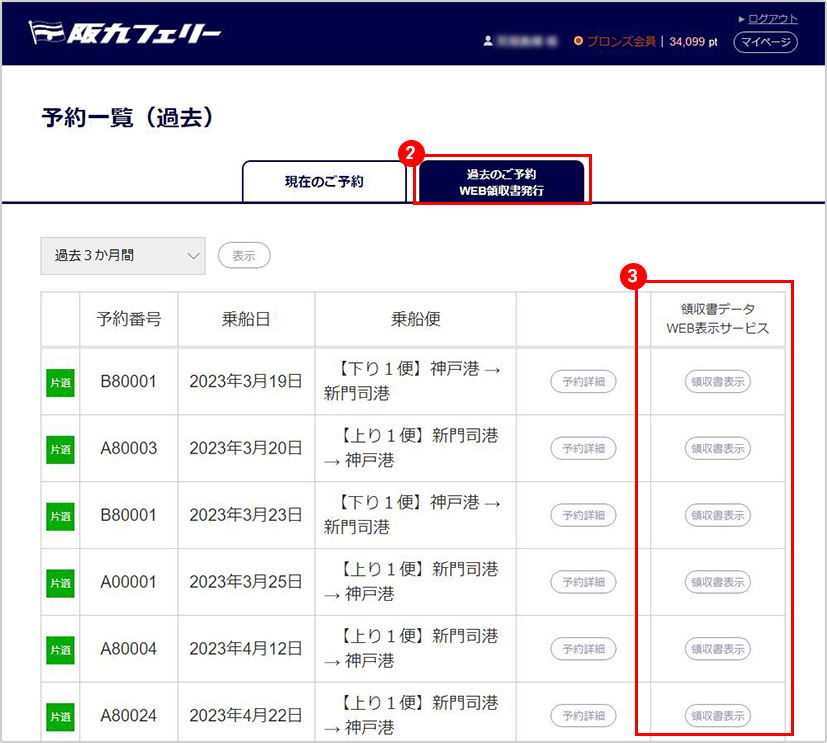
Past Reservation List Screen
②Click the [WEB Receipt Issuance] tab
③From the past reservation list, select the service for which you need a receipt. Only services that can be displayed will have the [Display] button selectable.
Receipt Issuance
*If a receipt has been issued at the counter, it will not be displayed on the web. Notes at the time of issuance: *You cannot leave the name blank when issuing. *Only one receipt per reservation is allowed. It cannot be issued in separate amounts or change the face value. *The amount on the receipt will show the boarding amount from the internet, with a breakdown of the card payment and points displayed. If there are changes or partial cancellations at the ticket counter on the day of boarding, please request the issuance of the receipt at the counter.
*QR codes are a registered trademark of Denso Wave Inc.